Shadify
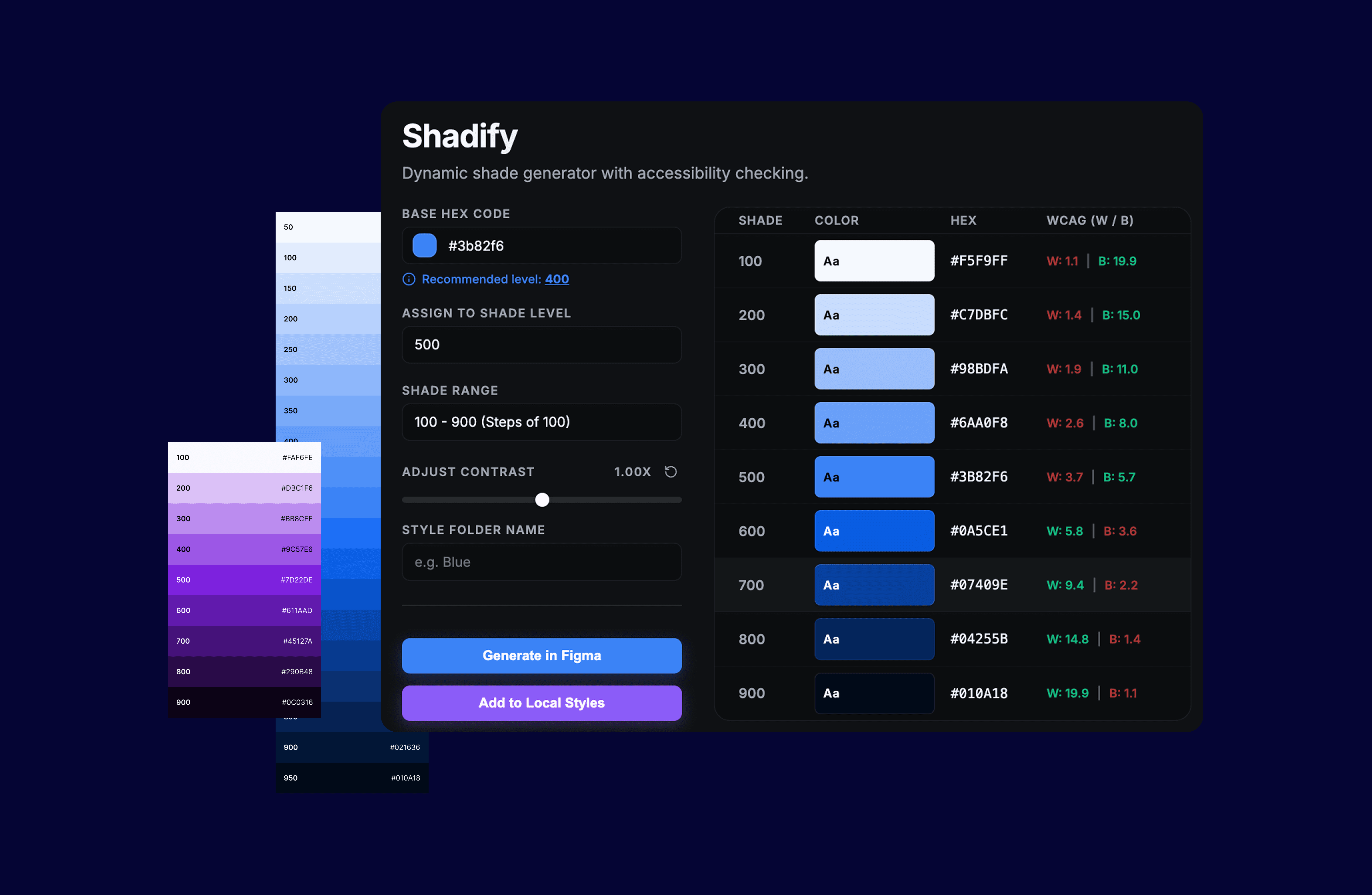
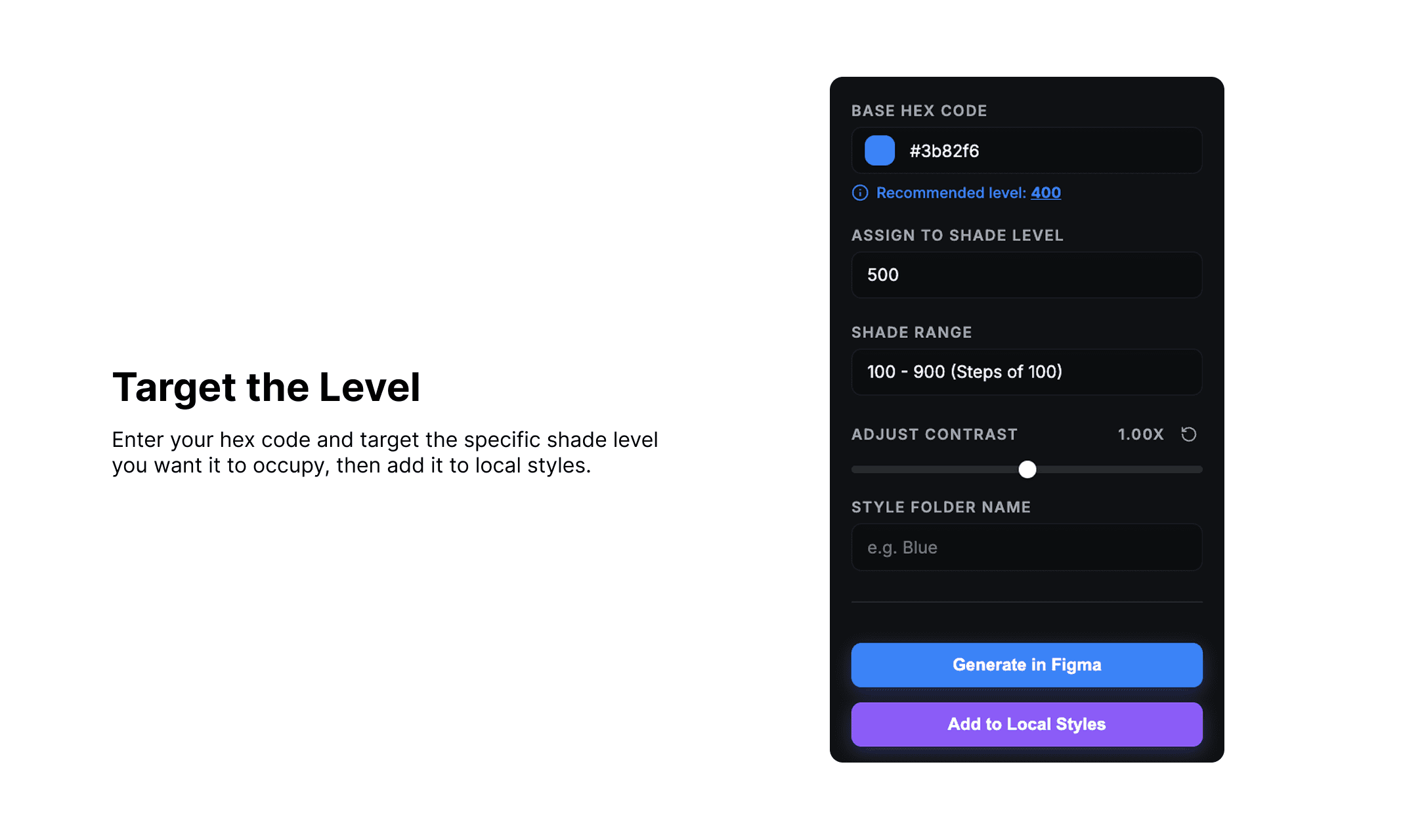
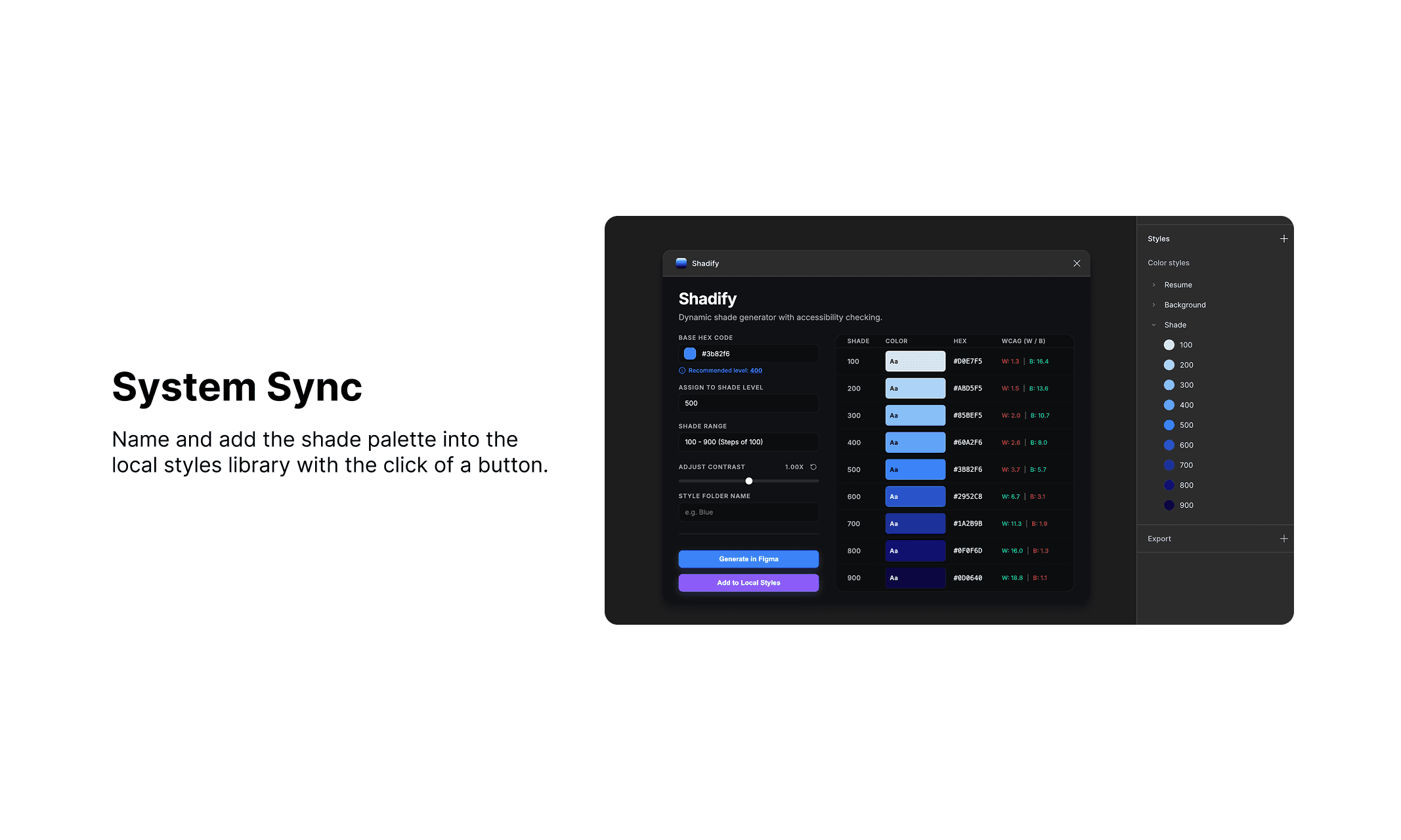
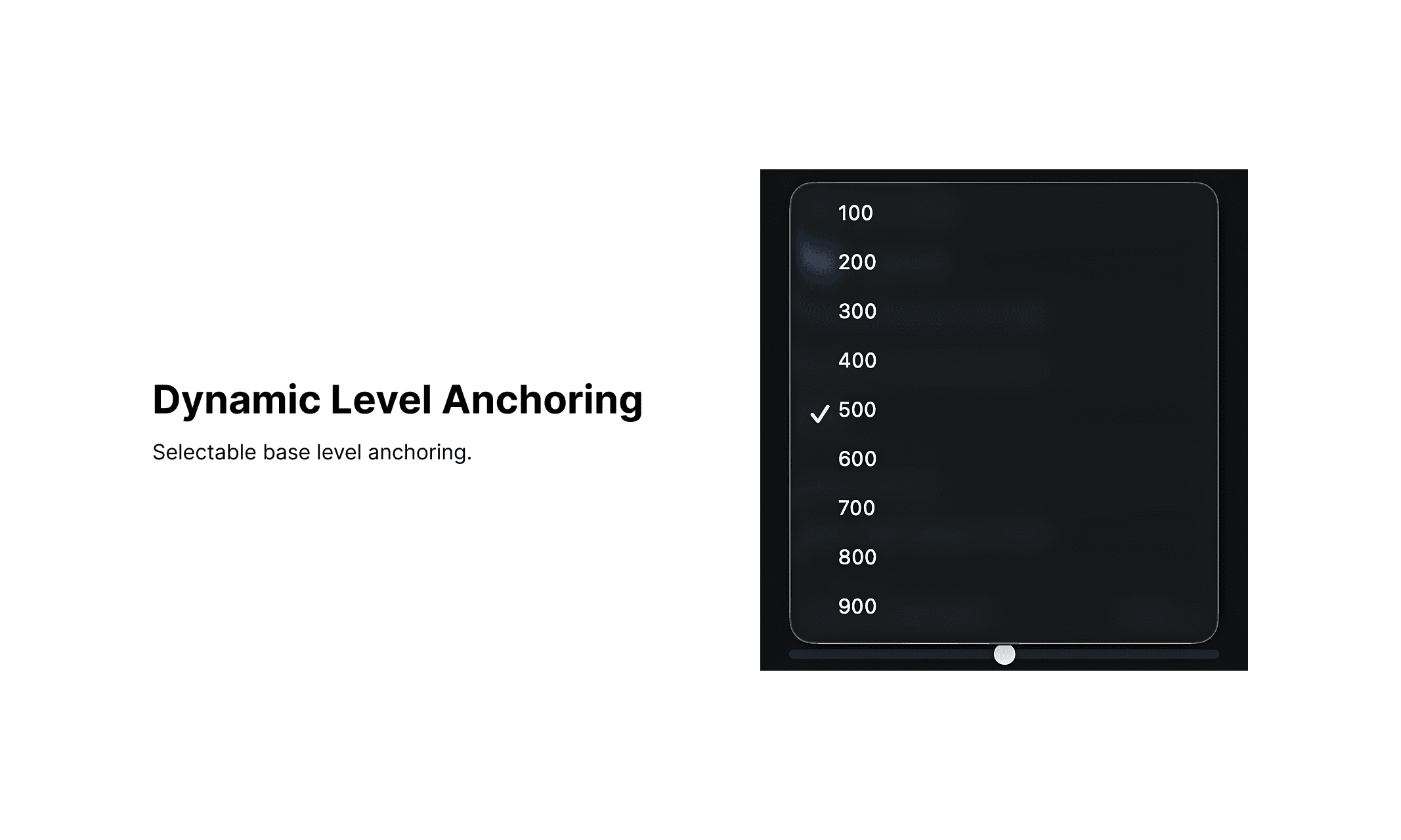
Shadify is a dynamic Figma plugin and beautiful shade generator designed to solve a specific bottleneck in professional design systems: the rigid anchoring of colors to the "500" level. While many tools assume the input color is the midpoint, Shadify allows designers to anchor a hex code to a specific level (e.g., 700 or 300) and automatically calculates a mathematically balanced scale around it.
Role
Vibe Code, UX Design
Duration
3 Days
Tools
Google Gemini, Google Antigravity, Figma
🖱️ Hover on the image to stop the slideshow!
why
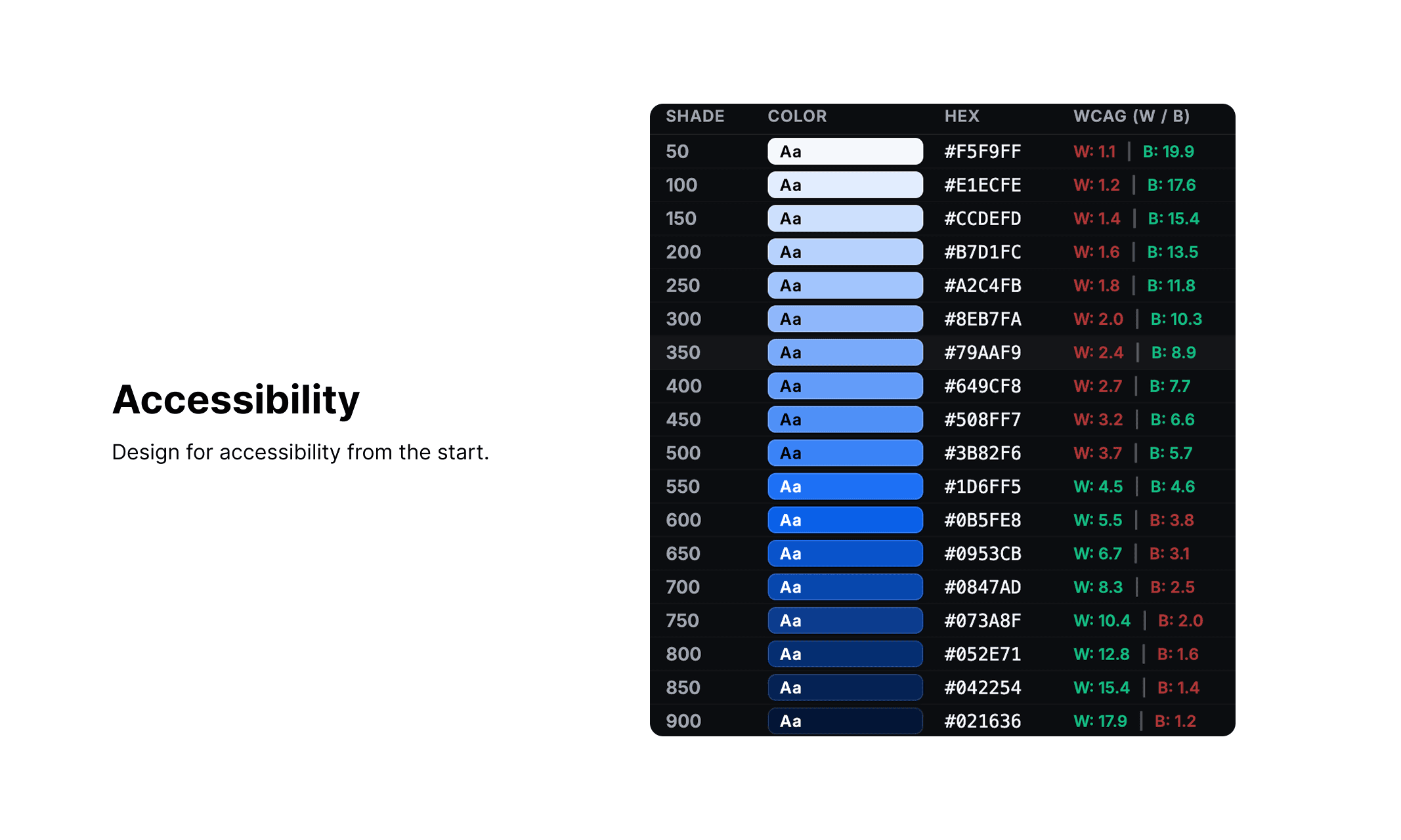
Color workflows are rigid, forcing every color into a fixed “500” midpoint and requiring manual adjustments. Shadify removes this friction by letting designers anchor any color at any level and instantly generate an accessible system.
How
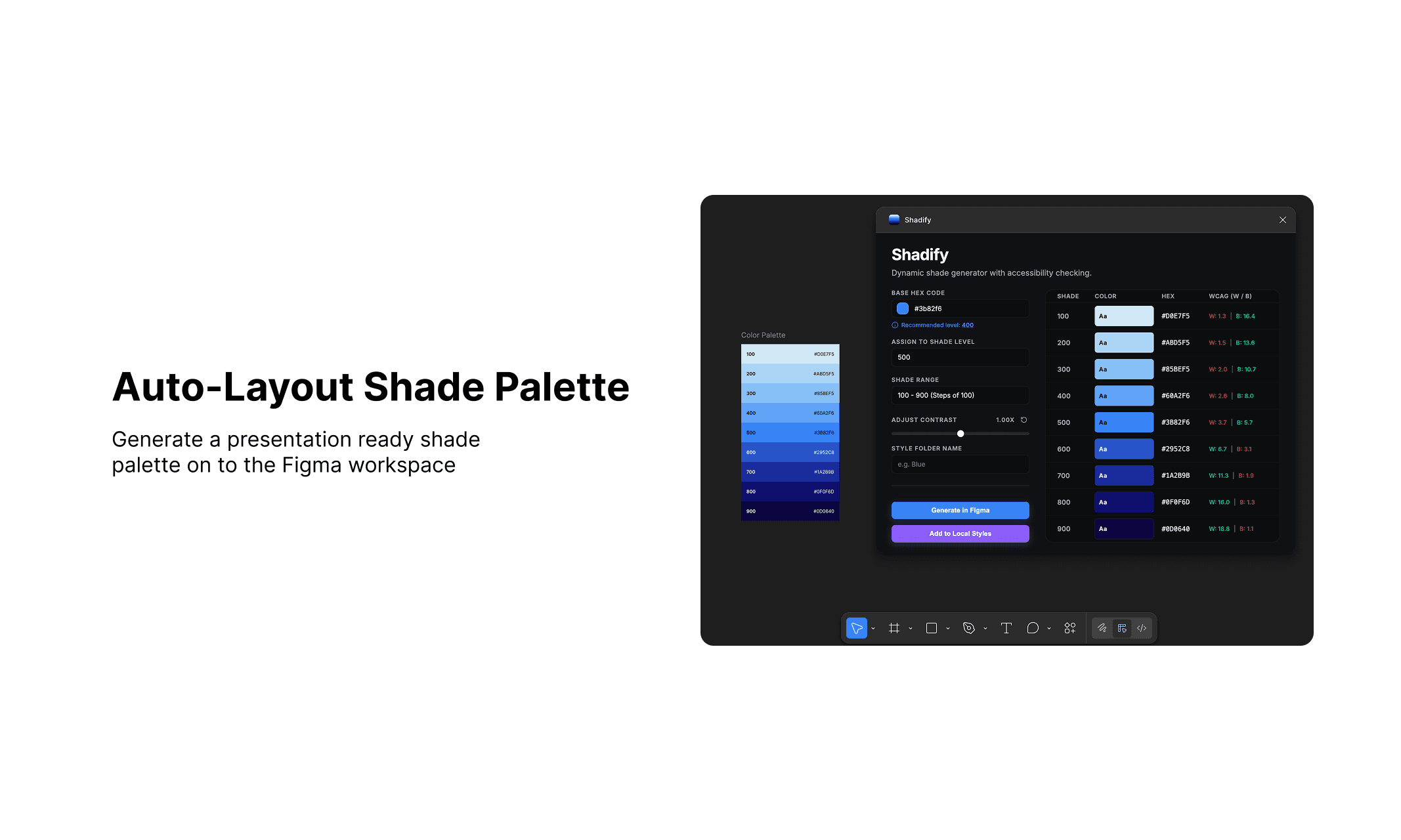
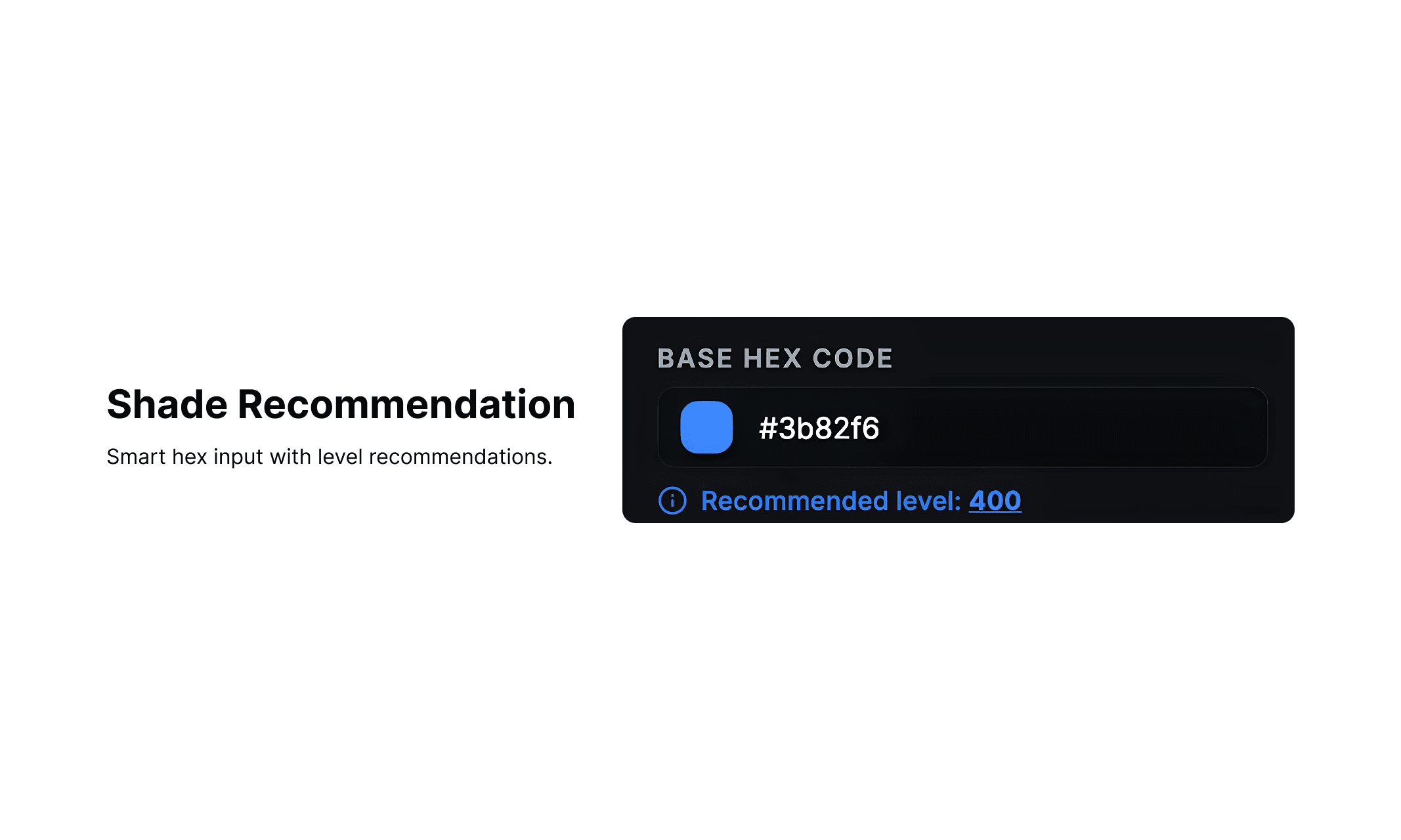
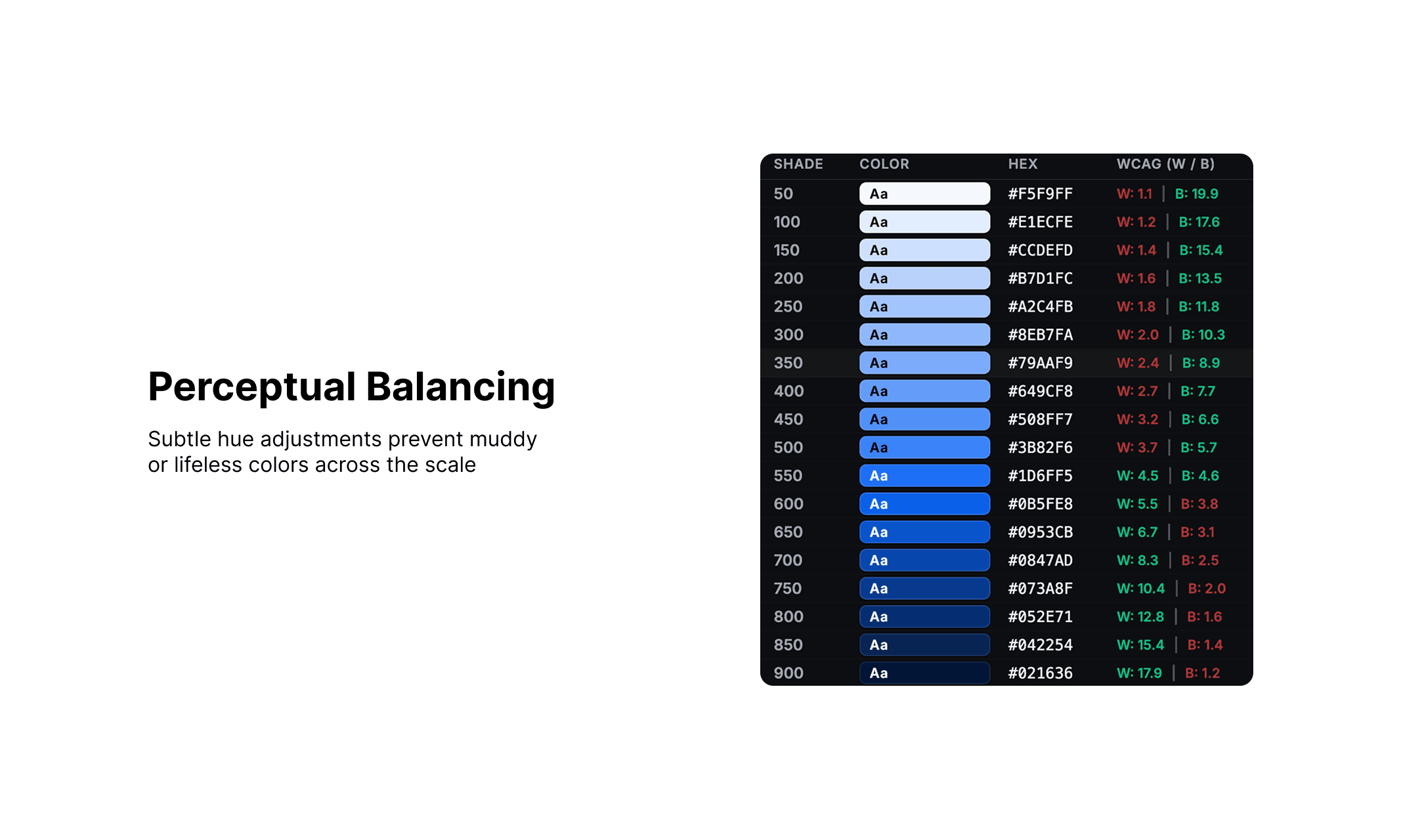
Allowing designers anchor any color at any level, then generating a balanced scale with real-time WCAG checks. It also creates an auto-layouted palette directly in Figma, lets you name it, and adds all colors to local styles with a single click.
What
AI-powered Figma plugin that generates balanced, accessible color systems from any base color, automatically creating palettes and adding them to your styles in one click.
Understanding Problem Space
The Hidden Cost of Color Systems
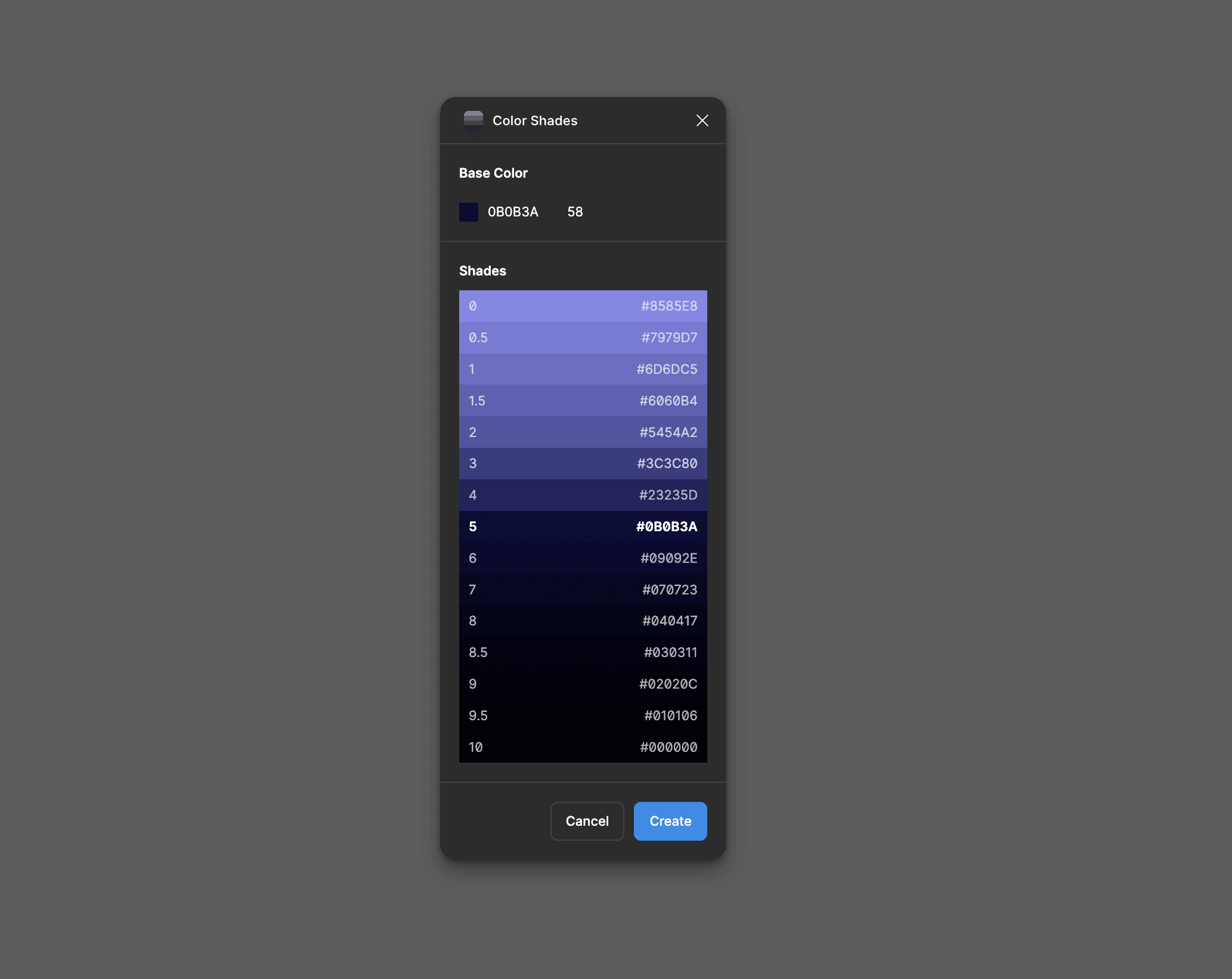
Most color tools assume that any input color sits at the 500 midpoint. While convenient, this breaks down in real design systems.
If a brand color naturally belongs to a darker level for example, 700 or 800, it still gets forced into 500. Designers then have to manually shift the entire scale, rename tokens, and adjust values to make it usable.
Finding Opportunity
Rethinking color as a system, not a value
I saw an opportunity to rethink how color scales are generated, treating color not as a fixed input, but as part of a flexible system.
The goal was simple:
Allow designers to anchor any color at any level, and generate a balanced, accessible system around it.
Vibe Coding Process
Starts with planning
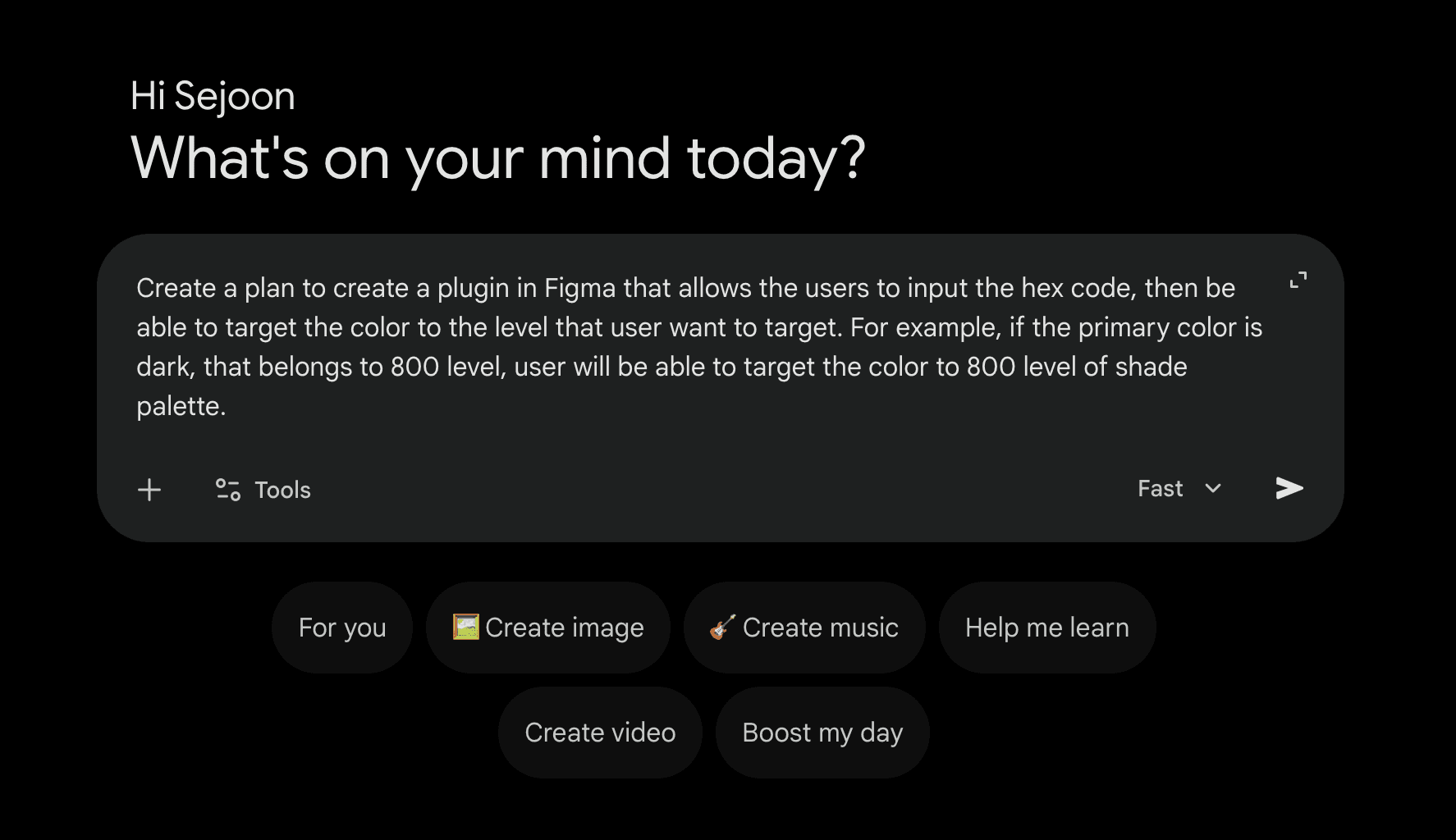
This project started to test how powerful Antigravity from Google was and the capability of vibe coding tool. (January 23rd, 2026)
To start, I mapped out the initial concept from my idea list and used Google Gemini to break it into clear steps, helping define what features this plugin should have and how it should function.
Vibe Coding Process
The Execution
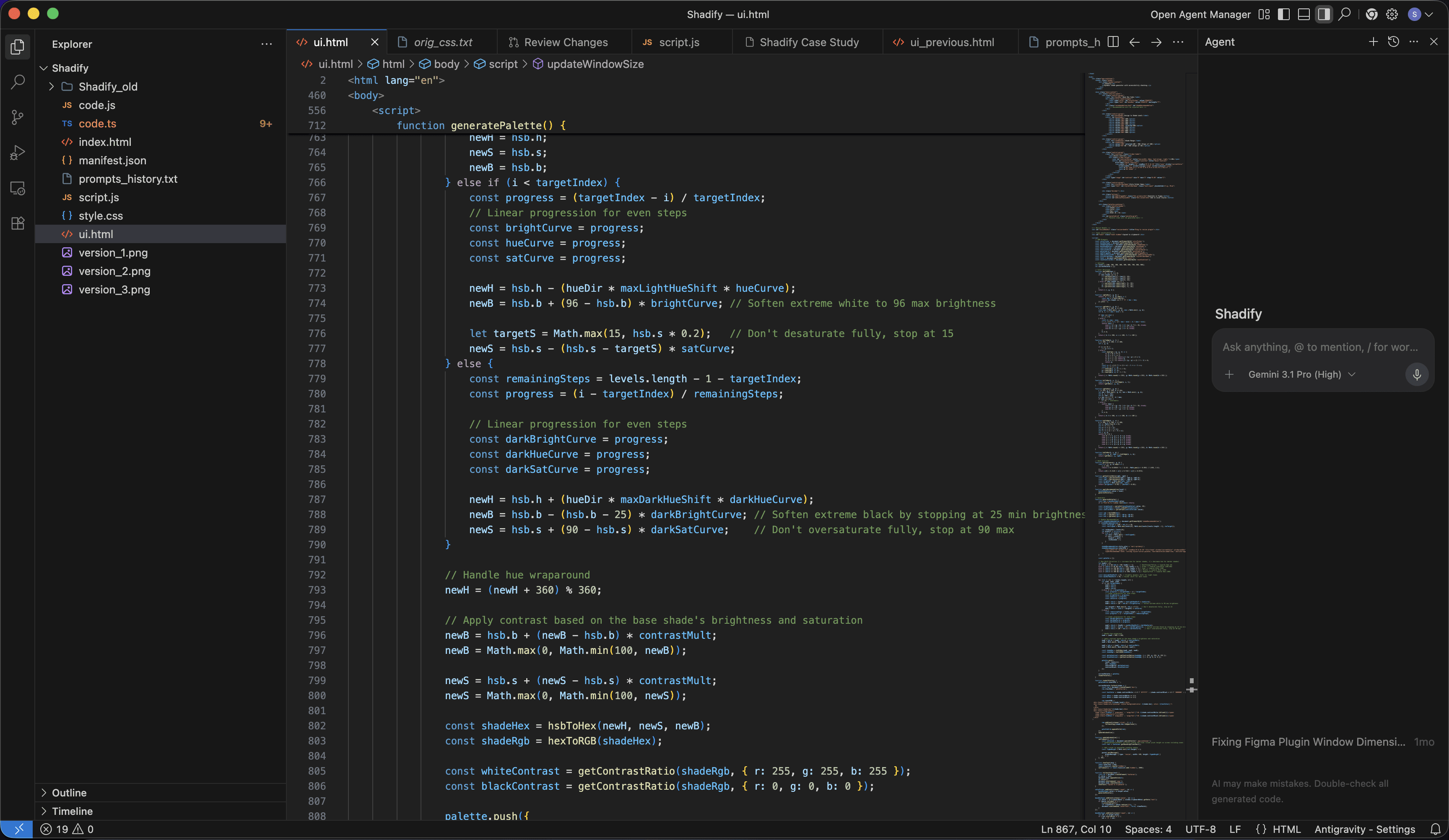
Then I opened the Antigravity and pasted the plans I have carefully thought out with the help of Gemini.
Vibe Coding Process
The failing process
As shown, I went through countless iterations refining my AI prompts carefully, dialing in layout proportions, card placement, and color logic to generate well-balanced, visually consistent shade palettes.
I made sure each prompt was purposefully structured with clear goals and precise descriptions, minimizing wasted tokens, cost, and effort.
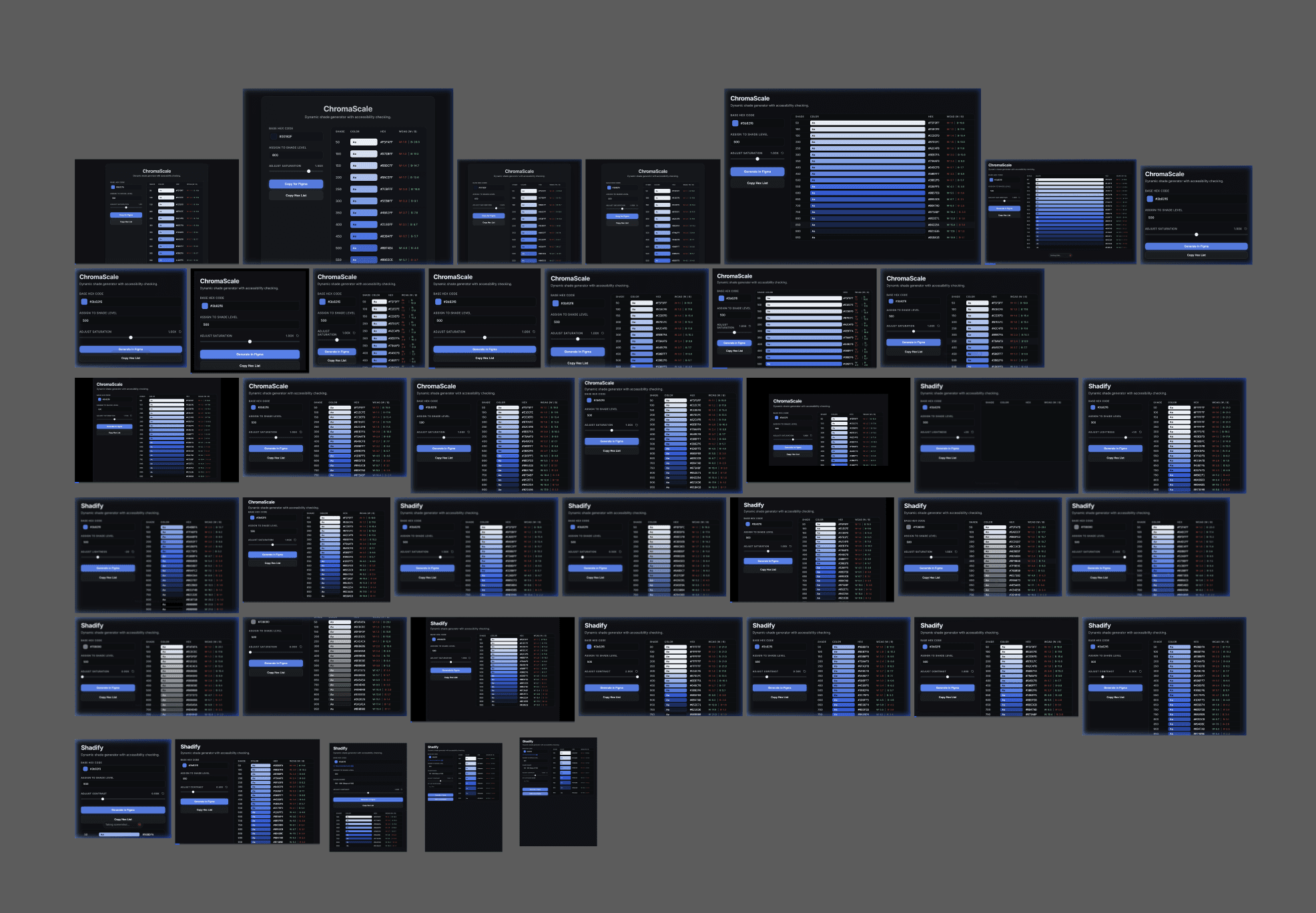
Vibe Coding Process
Started With Only Copy and Paste
In the beginning, the name of the project was ChromaScale, and notice the two button at the left bottom has only copy function.
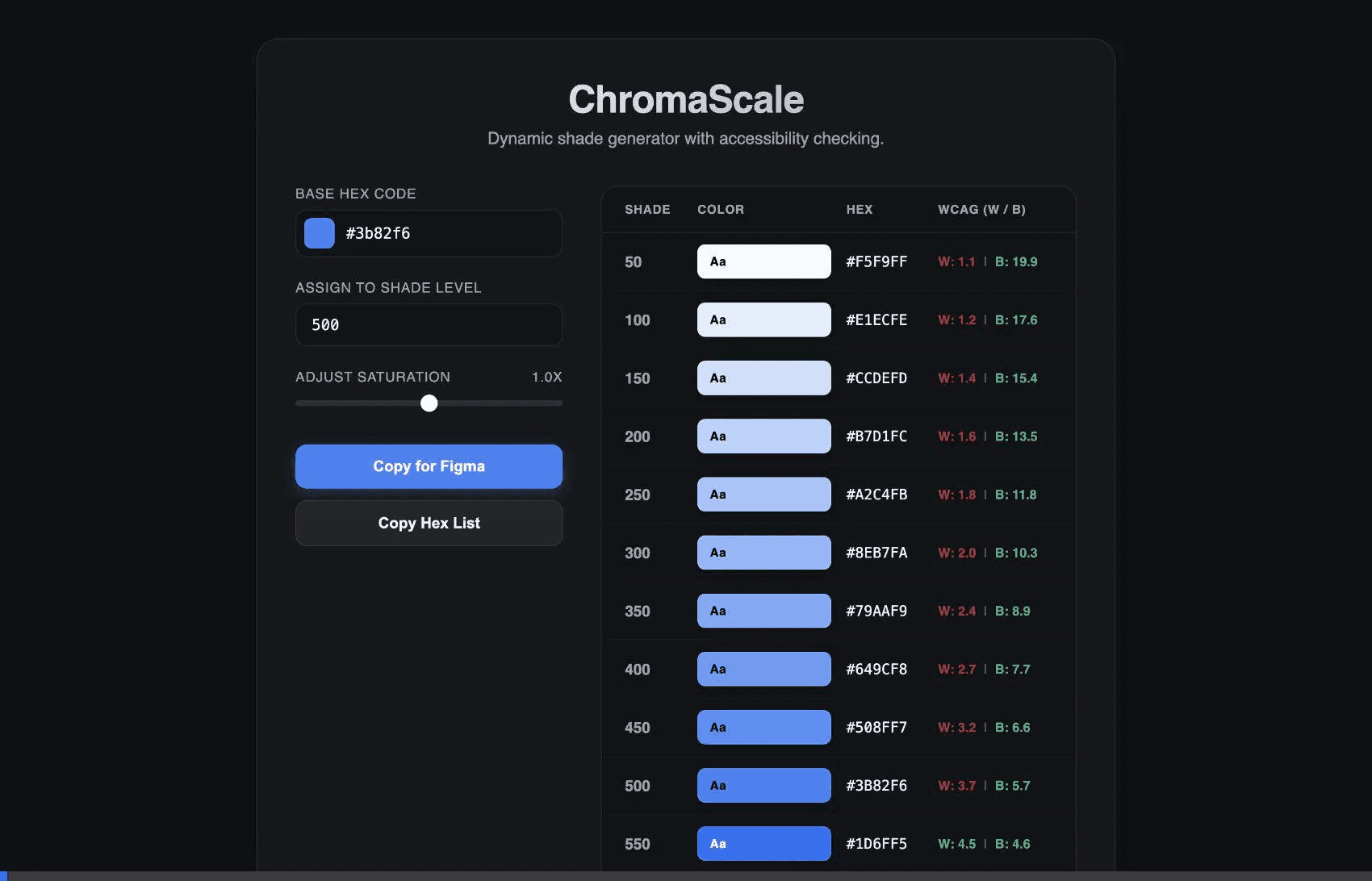
Vibe Coding Process
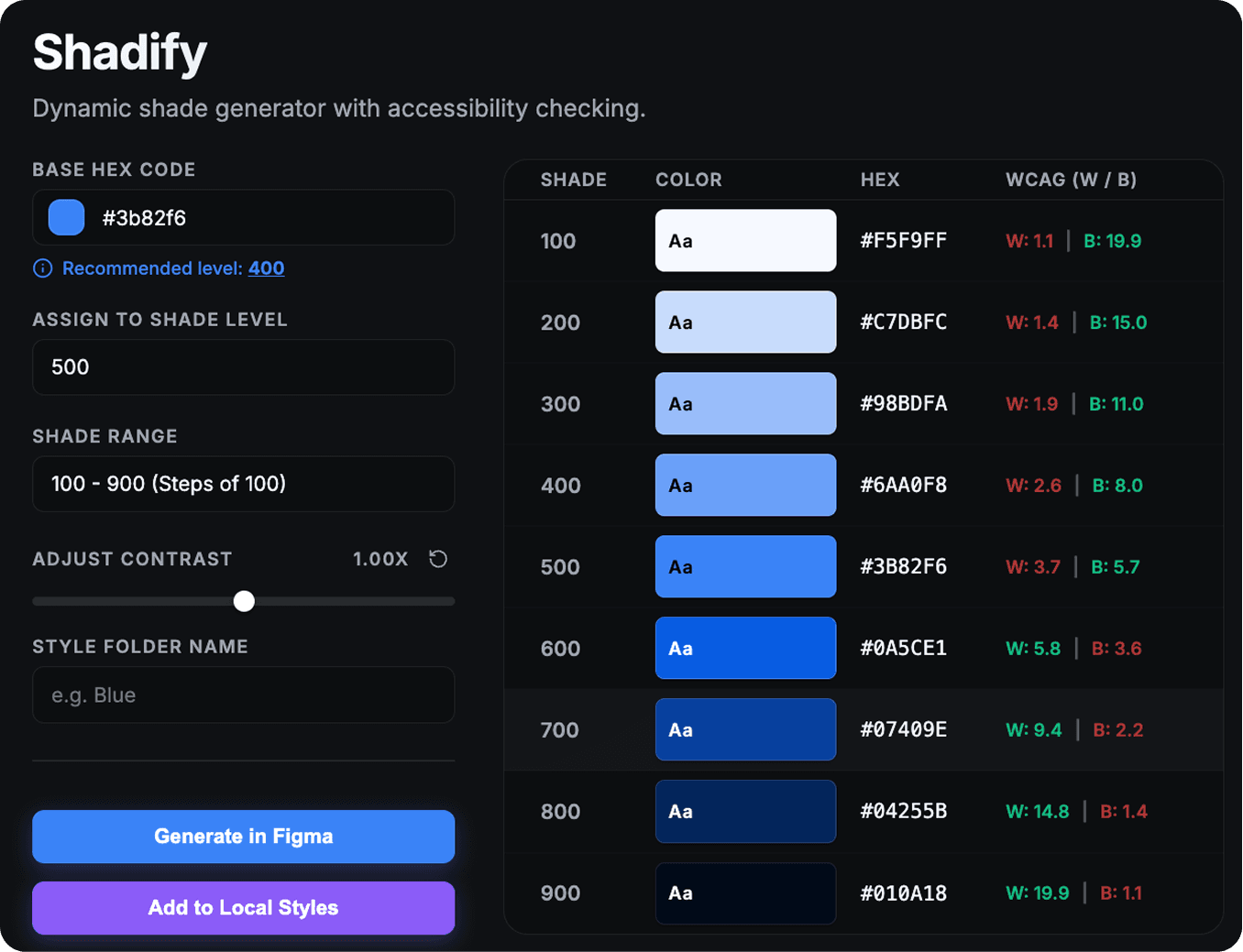
Auto-Layout Frame and Add to Local Styles
Now, it does more than copy and paste the hexcode.
Replace "Copy for Figma" button to a button that create a vertical auto-layout palette of the shades and "Copy Hex List" button to add the colors into the local styles with the assigned named folder. If the names are not assigned, just name them "Shade".
This is the prompt that gave me the perfect result.
Vibe Coding Process
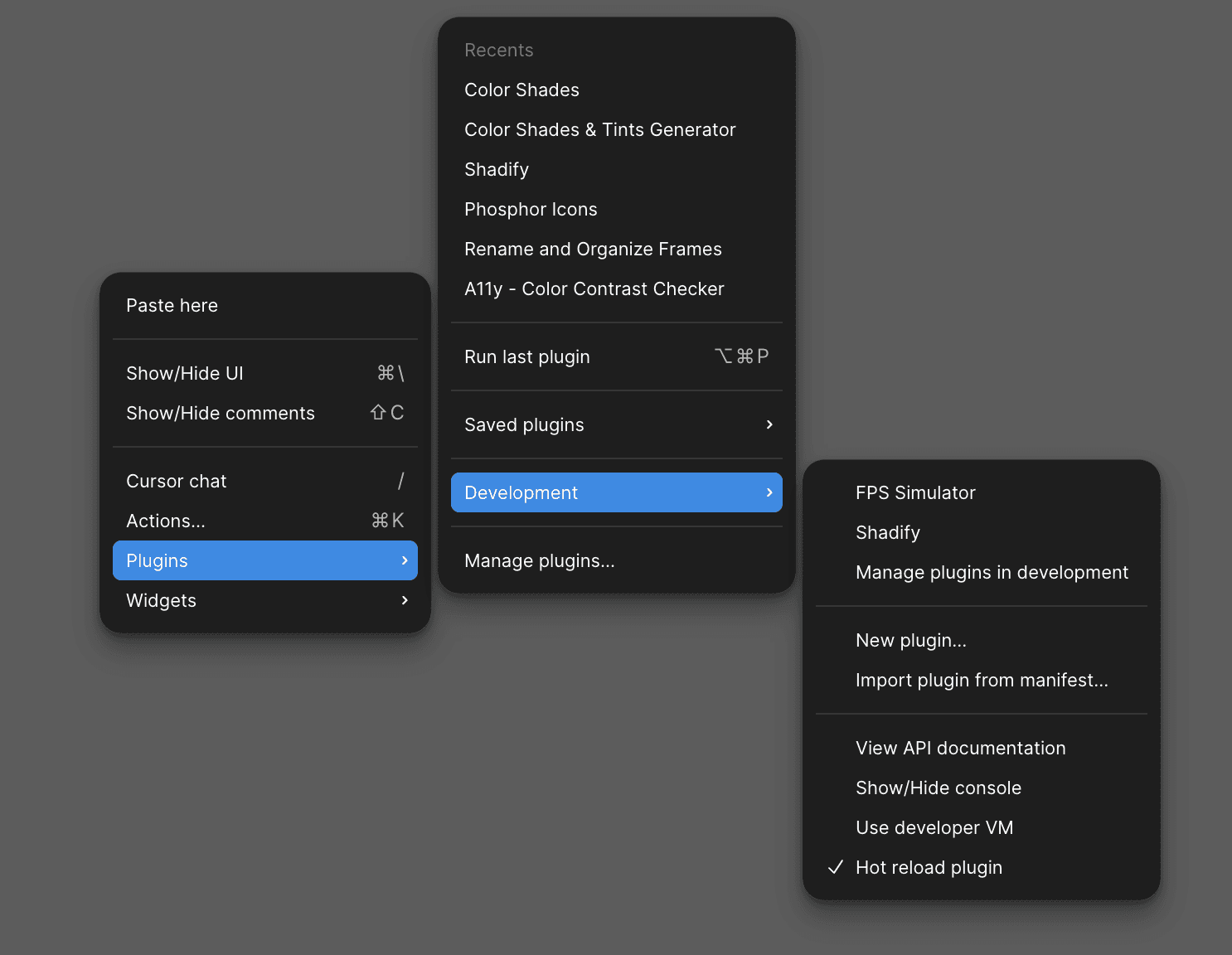
How do I add a developed plugin into Figma?
I made sure Antigravity to create a manifest.json file to add the project into Figma.
Vibe Coding Process
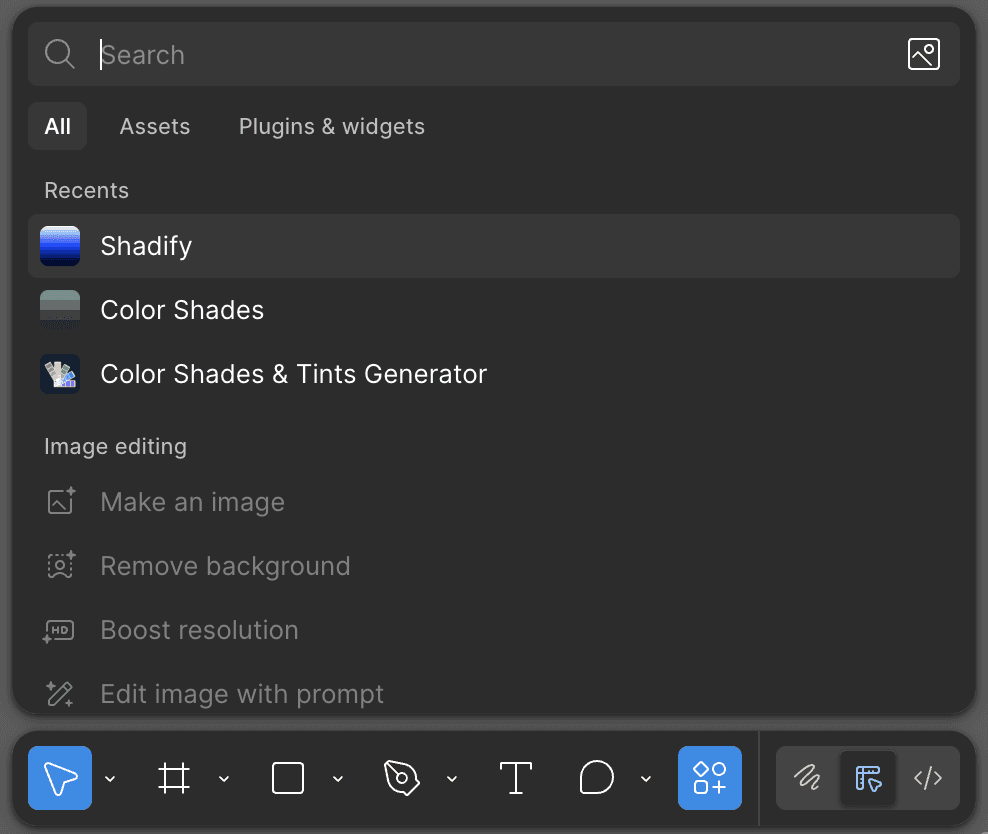
It's Official!
After publishing the plugin, I waited about a month for the review from the Figma community team, the I finally got an approval that Shadify is officially launched in the Figma.
Final Solution
Turning design logic into a system
Instead of using a fixed midpoint, Shadify introduces a dynamic anchoring system. This approach shifts the role of the designer from manually constructing scales to defining intent.
Shadify
See how it works!